
A progressive dialer will not dial the next contact after there is an available agent. This helps the agents have the right customer’s information when every call limits idle dialling, improves the conversation quality, increases productivity, and allows the businesses to have a personal outbound call..
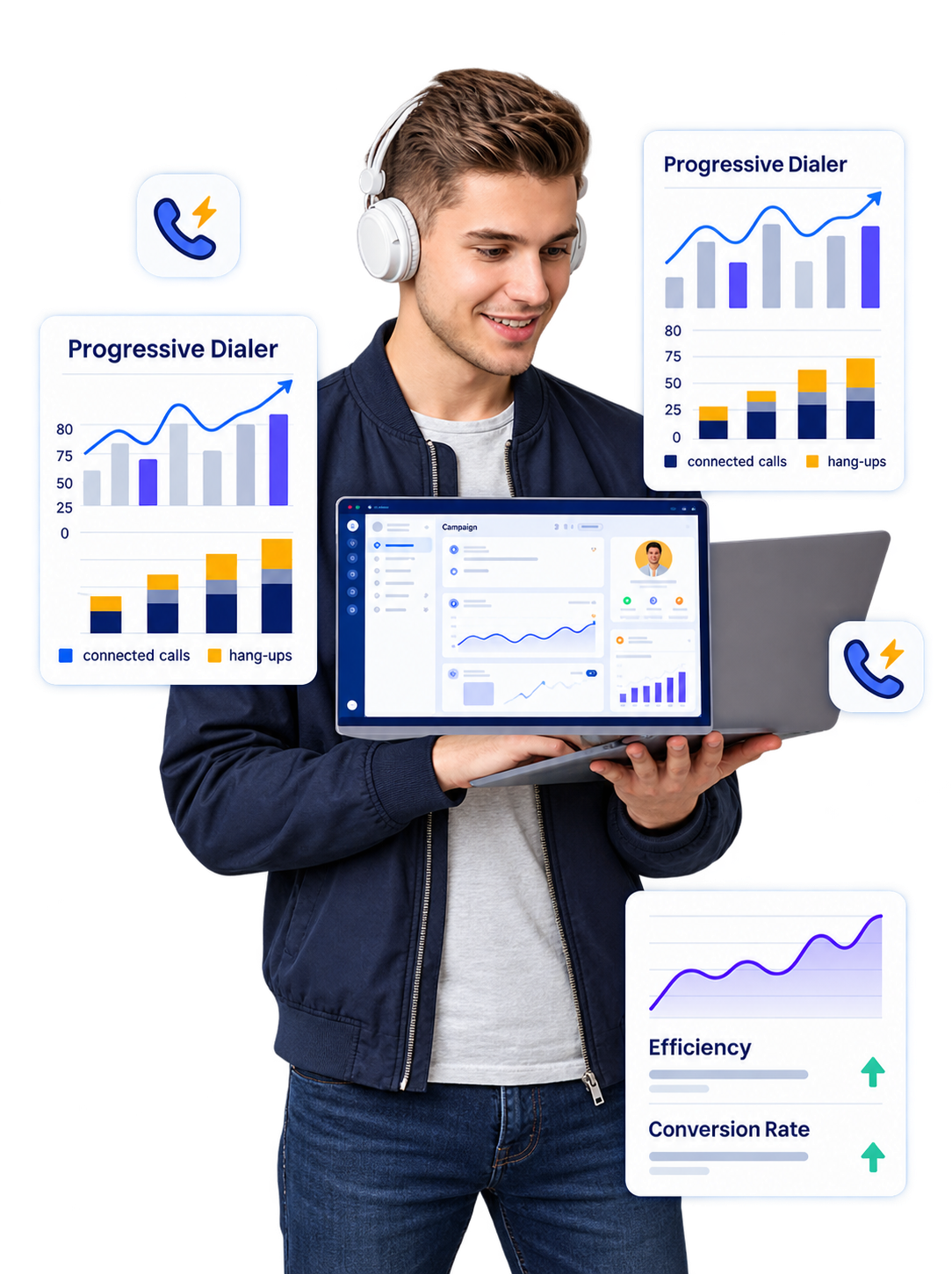
Outbound calling becomes easier when agents are not required to use their time manually locating or dialing numbers. A progressive dialer makes calling more efficient by simply dialing the next contact when an agent becomes available.
To avoid dialing multiple numbers at once, the system uses a methodical approach. It allows the agent to prepare before placing the next call, making it ideal for firms seeking software but maintaining agents active in every client engagement.
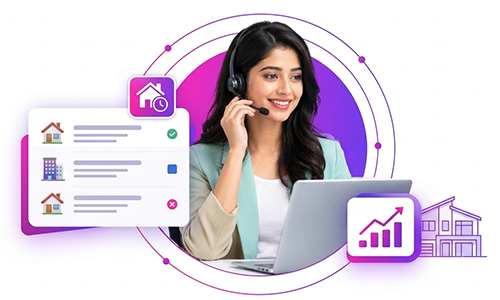
The gap of time among two client engagements is a prevalent issue in phone calls. Users could have to locate a phone number, dial it, wait for an answer, then modify call progress. A progressive dialer method saves most of the manual process.
If a user is available, the system can select the next contact and start calling. It results in an ongoing system in which agents can spend longer engaging clients rather than managing manual dialing duties.
A progressive dialer follows agent availability to organize outbound calling. From preparing contact lists to recording call outcomes, every step works together to support a smooth and structured calling process.
Create a contact list or campaign with the required customer details and calling preferences.
Agents log in to the system and become available to handle customer calls.
The system selects the next contact according to campaign settings and calling rules.
The system automatically dials the selected number, reducing repeated manual dialing.
Once the call connects, the agent manages the conversation and assists the customer.
Record the call result for reporting, follow-ups, and future campaign activities.
When the agent is ready, the system proceeds to the next contact in the calling workflow.
Progressive dialing helps maintain an organized calling process while allowing agents to focus on active customer conversations.
Managing a large contact database through manual calling can become difficult as your business grows. Progressive dialer software helps organize customer profiles and arrange contacts into structured campaigns for more consistent outbound calling.
Group your contacts into campaigns that match your business objectives and customer engagement needs.
Managing an outbound workforce involves more than making calls. AI-powered dialer analytics help managers monitor campaign activity, understand agent performance, and identify opportunities to improve calling operations.
Review scheduled callbacks and assign priority actions to agents.
Track calling progress across multiple campaigns.
Understand individual activity and productivity.
Identify gaps and improve outbound workflows.
The use of a dialing app is improved by its fit in tools that the team currently employs. Progressive dialer software can be useful with CRM platforms and other business software, based on the outcome. It will help agents in accessing consumer data during call management and in the maintenance of useful call records. CRM integration may also enable the reduction of manual data input when there is development of a more organized flow in client details and sales activities.
Access customer profiles and lead information.
Keep contact information and call history organized.
Support lead tracking and sales activity management.
Connected calling
and customer data
Give agents relevant details during conversations.
Maintain useful notes and interaction history.
Organize sales activities and follow-up information.
CRM integration can help reduce repeated data entry by keeping customer details, call outcomes, and sales activities within a more structured workflow.
Access available customer and lead details.
Connect agents with contacts through the calling workflow.
Capture relevant notes and call outcomes.
Maintain customer and sales activity information.
Help agents view relevant customer details during calls.
Support a more organized flow for contact and sales details.
Keep calling records and follow-up information structured.
Companies may use progressive dialing to quickly increase the number of times they call similar digits while not going back into a highly active dialing procedure.
It is a data mining and agent-seeking method that aims to establish an effective balance between technology and human contact. This method could help provide trust to outbound calls and get them ready for teams that need to conduct long calls with customers.
Organize contact lists, support calling workflows, and help teams reduce repetitive manual dialing activities.
Efficient calling with meaningful conversations.
Help agents focus on customer needs, build trust, and manage conversations that require personal attention.
By combining dialing technology with agent involvement, businesses can create a calling process that supports productivity without losing the personal interaction customers expect.
Help agents spend more time on relevant conversations.
Support a structured approach to outbound activities.
Maintain a human approach during customer interactions.
Your employees should be engaging with clients, rather than repeatedly making calls. A progressive dialer helps automate repetitive dialing tasks, simplify agent workflows, and improve outbound calling efficiency.
A progressive dialer system controls the dialing process, reduces manual work, and allows employees to spend more time communicating with customers.
Reduce repetitive dialing and simplify everyday outbound calling tasks.
Help agents follow a structured calling process with fewer manual steps.
Access important call data to understand performance and improve operations.
Access organized customer information from your CRM.
Automate the dialing process based on agent availability.
Allow employees to focus on meaningful customer conversations.
Review critical call statistics and improve the calling process.


Connect with your customers faster, smarter and more efficiently with AI-powered calling.